

Last Updated: June 19, 2026
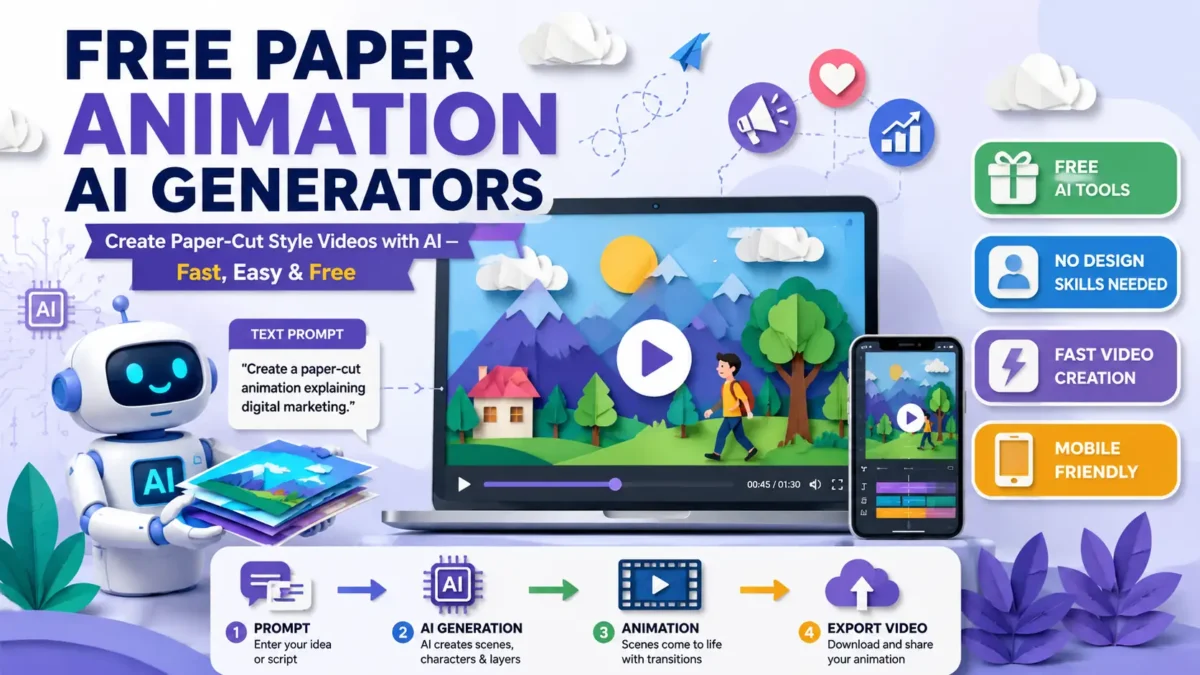
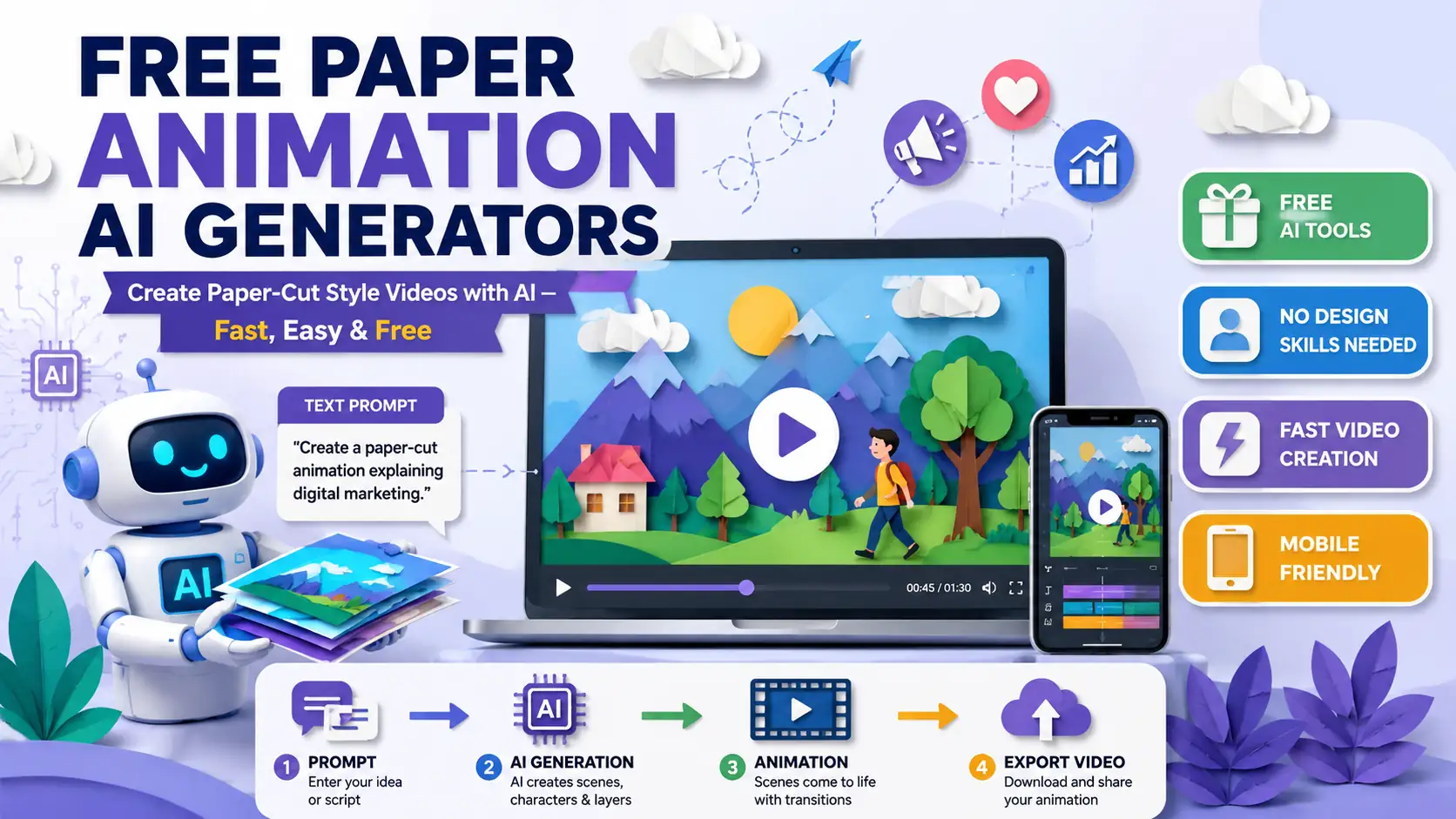
Making a paper cut animation traditionally takes several hours in guide design, layering, and video editing. But with AI tools now, this beautiful form of art is becoming increasingly accessible. The use of free paper animation AI generators enables students, teachers, marketers, and content creators to easily produce compelling paper style animated videos. Whatever your needs- whether it’s content for social media, stories, explainers, or even business videos- you can easily make animated videos with a classic paper cut style using AI animation tools, while saving yourself production time and maintaining a signature look.
Table of Contents
This Article Is Part of the SEO Hub
Explore more SEO guides, tutorials, strategies, and optimization resources inside our
SEO Resource Hub .
If you’re completely new to this technology, our detailed guide on Paper Animation AI explains the fundamentals, benefits, and common use cases of AI-powered paper-style animation tools.
What Is a Free Paper Animation AI Generator?
Free Paper Animation AI Generator is an AI powered software that automates part of the animation creation process. The users can type their own text prompts, upload images, select templates, etc and the tool will automatically create animated scenes with similar characteristics of paper cut images.
The AI-enabled tools are able to use all effects in motions, layering of illustrated elements, transitioning scenes, with artificial intelligence features. It helps animation creation that requires expertise previously.
Free Paper Animation AI Generator is a tool that assists users in creating paper cut animated videos with the help of Artificial Intelligence. They use automated motion effects, templates and an AI assistant to simplify video creation for users of all levels.
Why Are Free AI Animation Tools Becoming Popular?
Several factors contribute to the raising popularity of free AI animation tools:
- Reduced production costs
- Faster content creation
- No advanced animation skills required
- Suitable for marketing and education
- Accessible from mobile and desktop devices
- Increasing availability of free plans
Many creators now use AI assisted workflows to create videos that would otherwise require significant time and technical expertise.
Best Free Paper Animation AI Generator Tools in 2026
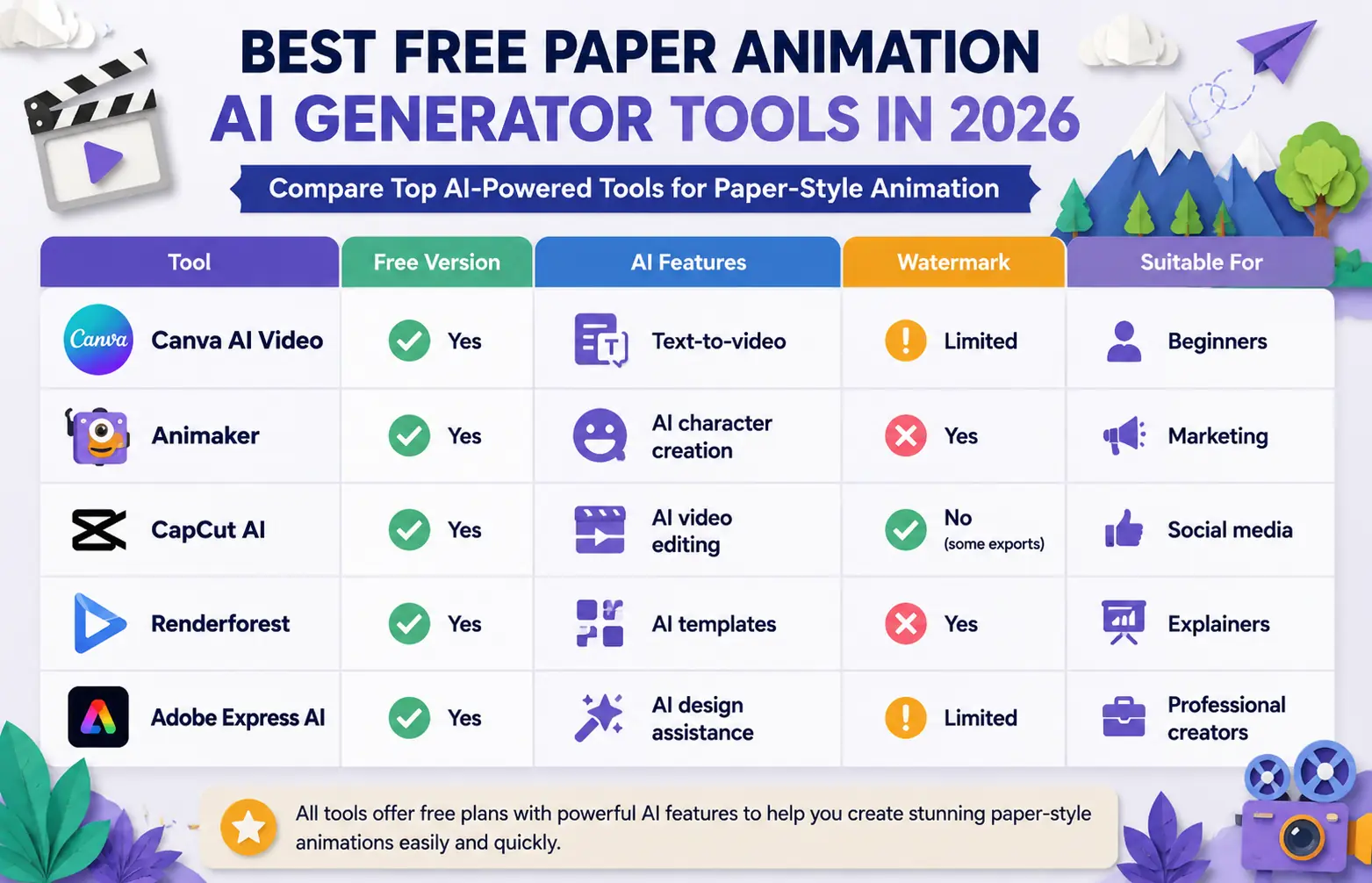
The market now includes several AI-powered animation platforms that support paper-style visuals.
| Tool | Free Version | AI Features | Watermark | Suitable For |
| Canva AI Video | Yes | Text-to-video | Limited | Beginners |
| Animaker | Yes | AI character creation | Yes | Marketing |
| CapCut AI | Yes | AI video editing | No (some exports) | Social media |
| Renderforest | Yes | AI templates | Yes | Explainers |
| Adobe Express AI | Yes | AI design assistance | Limited | Professional creators |
For a deeper comparison of features, pricing, and platform capabilities, check out our complete review of the best Paper Animation AI Tools available today. This comparison helps users evaluate available options based on their project requirements.
Free Paper Cut AI Features to Look For
No animation platform has the same features. As you review free paper cut AI solutions, look for the following features:
AI Scene Generation
The platform should automatically generate scenes based on prompts or scripts.
Template Library
A large collection of templates can significantly reduce production time.
Layered Paper Effects
Authentic paper-cut animations rely on layered visual depth.
Voice Integration
Some tools automatically generate narration using AI voices.
Export Options
Check supported video formats and resolution limits.
Mobile Compatibility
Nowadays many users enjoy making animations on a smart phone or a tablet.
AI Video Generator Free Workflow
Making a paper animation video is relatively straightforward.
1. Pick a tool
First, select an AI animation maker that offers paper-type styles.
2. Enter the prompt
Next, write your animation concept in natural language. For example:
“Generate a paper-cut animation explaining digital marketing 101.”
3. Select a template
Now, pick a suitable visual template according to your goals.
4. Generate animation
Let the AI engine generate different scenes and transitions.
5. Edit and customize
Here, you can change colors, text, arranging elements and many more.
6. Export the video
Download your fully completed animation file and upload it wherever you want.
If you’d like a detailed walkthrough, follow our step-by-step tutorial on how to Create Paper Animation AI Videos from scratch using free tools and templates.
Performance Expectations
AI animation technology has improved substantially, but realistic expectations remain important.
What AI Does Well
- Rapid content generation
- Basic storytelling visuals
- Template-driven animations
- Social media video production
Current Limitations
- Complex character interactions
- Highly customised artistic styles
- Advanced cinematic storytelling
- Precise creative control
Many creators still perform manual editing after AI generation to improve final quality.
Artificial intelligence continues to improve rapidly, but experts note that creative AI systems still have limitations in advanced storytelling and artistic control. Research from MIT highlights ongoing developments in AI-generated creative content and human-AI collaboration.
No Watermark Animation AI: Is It Available?
One common question is whether users can find a no watermark animation AI tool for free.
The answer depends on the platform.
Some services let you get things without a watermark when you use their plan. Other services make you pay for a special subscription to get clean downloads without any watermarks.
Before investing time in a project, review:
- Export restrictions
- Branding requirements
- Resolution limitations
- Commercial usage rights
These factors can vary significantly between providers.
AI Animation Apps Free for Mobile Users
Many creators prefer mobile-first workflows.
Popular AI animation apps free for mobile devices include:
| App | Android | iPhone | AI Features |
| CapCut | Yes | Yes | Advanced |
| Canva | Yes | Yes | Moderate |
| Adobe Express | Yes | Yes | Advanced |
| Animaker Mobile | Limited | Limited | Moderate |
Mobile solutions work well for instant content creation and social media publishing.
Pros and Cons
| Pros | Cons |
| Beginner-friendly and easy to use, even for users with no animation experience | Limited creative flexibility compared to professional animation software |
| Faster content creation than traditional animation methods | Free plans often include feature restrictions or usage limits |
| Lower production costs, reducing the need for specialized designers | AI-generated visuals may sometimes look generic or repetitive |
| Suitable for educational videos, presentations, and explainer content | Export quality can vary depending on the platform and subscription plan |
| Useful for digital marketing campaigns, social media content, and promotional videos | Advanced customization options may require a paid upgrade |
Who Should Use Free Paper Animation AI Generators?

These tools are particularly useful for:
Content Creators
Produce engaging social media videos quickly.
Teachers and Educators
Create visual learning materials and explainer videos.
Small Businesses
Generate marketing content without hiring animation specialists.
Bloggers
Enhance articles with animated visual assets.
Students
Develop presentations and creative projects more efficiently.
Alternatives to Paper Animation AI
If paper-cut visuals are not essential, users may also explore:
- Whiteboard animation software
- Motion graphics platforms
- AI avatar generators
- AI explainer video creators
- Presentation animation tools
Each option offers different creative possibilities depending on project goals.
Tips Before Choosing a Free AI Animation Tool
Before selecting a platform:
- Review export limitations.
- Test multiple free plans.
- Compare watermark policies.
- Check commercial licensing terms.
- Evaluate mobile compatibility.
- Assess available templates.
- Verify supported resolutions.
Making an informed choice can save considerable time later.
FAQ.
What’s the best free paper animation AI generator?
The best choice would vary depending on your needs. There are several very popular options including Canva AI, CapCut AI, Adobe Express, and Ani maker that come with some free animation options.
Can I make paper-cut animations without any design experience?
Absolutely! Most AI animation software is designed to work for beginners, using template-based features and automating most of the process.
Are the free AI animation tools ok for business projects?
Yes, for most, but I would always check the licensing and commercial use agreements prior to being published on any channel.
Is there any entirely free animation AI with no watermark?
Some services do have options from time to time to export without a watermark, however this changes, so you need to be sure prior to starting a project.
Which AI animation apps are free for mobile?
The free options of CapCut, Canva and Adobe Express all have well-functioning mobile applications compatible with both Android and iOS devices.
Conclusion
With a free paper animation AI generator, you can bring your visions to life without a huge learning curve or the time-consuming effort involved in traditional animation methods. Today’s free AI animation tools, AI video generator free options, and AI animation apps free can bring animation creation to all content creators whether for business, education, marketing, or any personal project.
It is important to scale expectations regarding control and flexibility with AI animation because while it is an assistant, it’s far from a complete art form. By learning about the available choices, trying the free options if available and investigating new vocabulary, content creators should be able to locate an animation tool to suit their needs.