
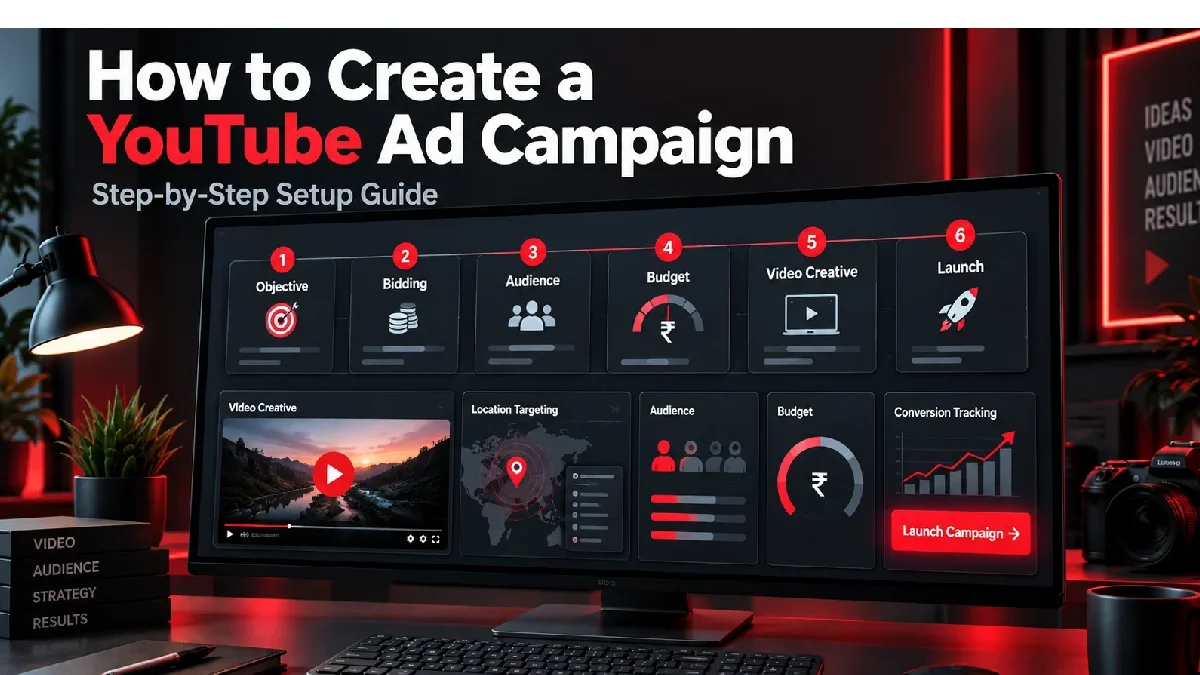

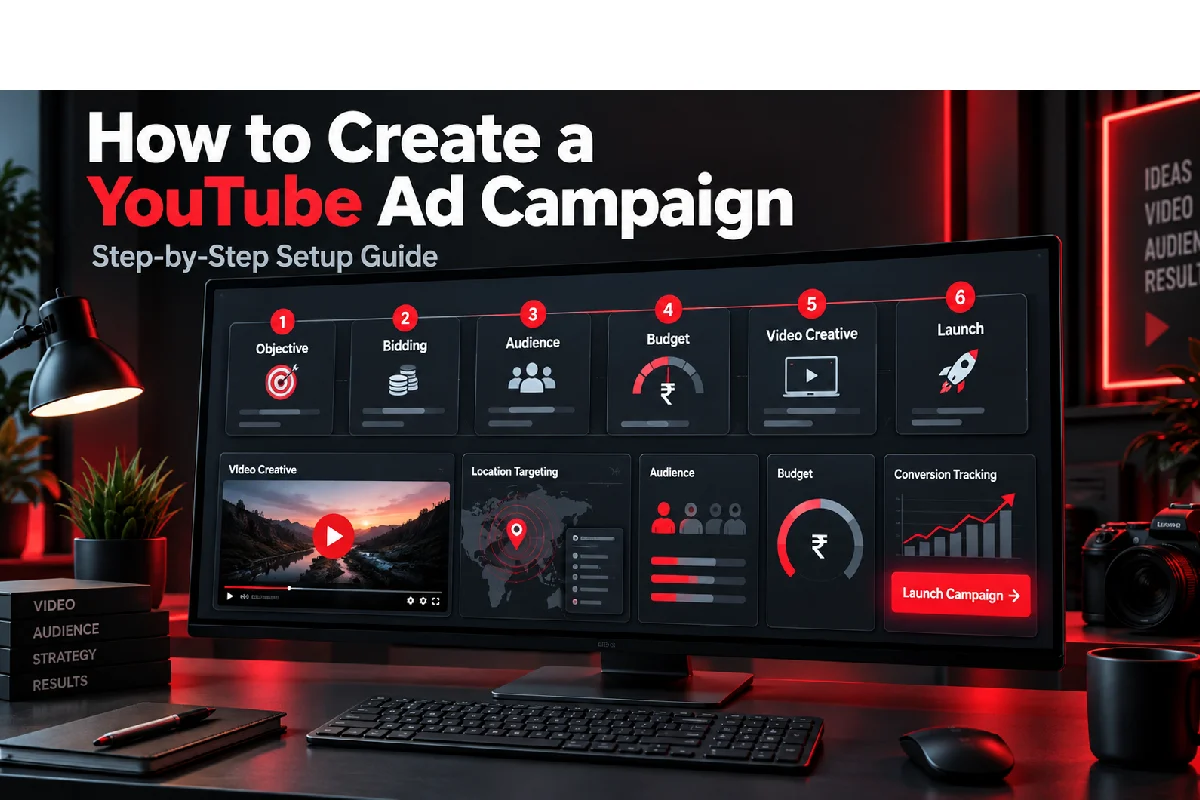


If you want to know how to make a YouTube ad campaign, it isn’t about simply uploading a video and choosing a budget. For any campaign, the objective, bidding method, targeted audience and landing page need to be connected so there can be a measurable result.
Table of Contents
This Article Is Part of the Youtube Marketing Resource Hub
Explore more guides, tutorials, strategies, and marketing resources inside our Youtube Marketing Resource Hub .
Google Ads currently supports Video campaigns for sales, leads, website traffic, video views, reach and YouTube engagement. The options displayed can vary according to the selected objective and account setup.
Create a YouTube Ad Campaign: Requirements
Prepare the following before opening Google Ads:
- An active Google Ads account
- A YouTube channel or suitable channel access
- A video uploaded to YouTube
- A clear campaign objective
- Defined audience and location
- Daily or total campaign budget
- Landing-page URL
- Call-to-action and headline
- Conversion tracking for lead or sales campaigns
- Privacy-compliant data collection
The video can be public or unlisted. Ensure that you have the rights to use its video, music, voice-over, logos, and any other materials.
How to Create a YouTube Ad Campaign Step by Step
1. Create a New Campaign
Sign in to Google Ads, open Campaigns, select the plus button and choose New campaign.
2. Select Your Objective
Choose the result that most closely matches your goal:
| Objective | Suitable outcome | Tracking requirement |
| Sales | Online purchases or valuable transactions | Conversion tracking |
| Leads | Form submissions, calls or enquiries | Conversion tracking |
| Website traffic | Visits to a relevant landing page | Website measurement recommended |
| YouTube reach, views and engagements | Awareness, views or channel activity | Depends on subtype |
| No goal guidance | Greater manual campaign control | Depends on selected subtype |
The objective affects the campaign subtypes, formats and bidding strategies available.
3. Choose Video as the Campaign Type
Select Video and then choose an available campaign subtype. Options can include video views, video reach, drive conversions, ad sequence or YouTube subscriptions and engagements.
4. Select a Bidding Strategy
Your bid strategy tells Google what the campaign should prioritise.
- Target CPV focuses on eligible video views
- Target CPM focuses on impressions
- Target CPA focuses on conversions at a target cost
- Maximise conversions seeks conversions within the budget
- Target ROAS focuses on conversion value when sufficient data is available
Conversion-based bidding requires correctly configured conversion actions.
5. Set the Budget and Schedule
Choose an average daily budget or total campaign budget. Add start and end dates where appropriate.
A total budget provides a defined maximum for the scheduled campaign. Daily spending can fluctuate on individual days while Google works towards the average over the monthly billing period.
6. Configure Locations and Languages
Choose the countries, states, cities or other supported locations the business can serve. For an Indian local business, nationwide targeting may waste money when customers can only visit one city.
Select languages based on the audience and video—not merely the language used in the Google Ads interface.
7. Review Networks and Content Controls
Depending on the campaign, advertisements may appear on YouTube and Google video partners. Review network settings, inventory type and content exclusions according to your reach and brand-safety requirements.
8. Create an Ad Group and Audience
Build an ad group around one audience theme. Available options can include demographics, audience interests, purchase intent, keywords, topics and placements.
Avoid adding so many restrictions that the audience becomes too small for consistent delivery.
9. Add the Video Advertisement
Paste the YouTube video URL or select an uploaded video. Google will show the formats eligible for the chosen campaign.
Complete the available fields, which may include:
- Final URL
- Display URL
- Call to action
- Headline
- Long headline
- Description
- Advertisement name
Preview the advertisement on mobile, desktop and television layouts where available.
10. Review and Publish
Check the objective, budget, locations, dates, bidding, audience, video and landing page. Resolve important warnings before selecting Create campaign.
Google notes that advertisements are typically approved within a day, although reviews can take longer. Campaign bidding may also require additional time to optimise. (Google Ads Help)
How to Create a YouTube Ad Campaign for Beginners

Beginners should use a simple structure:
- One campaign objective
- One or two clearly defined audiences
- Two or three creative variations
- One relevant landing page
- One primary conversion action
- A controlled test budget
Do not create numerous ad groups when the total budget is limited. Dividing a small budget too widely can prevent each variation from collecting useful data.
Start with skippable in-stream, in-feed or Shorts advertisements where they suit the objective. More specialised reservation formats are generally unnecessary for an initial campaign.
Easiest Way to Create a YouTube Ad Campaign
YouTube Studio promotions provide a simplified setup for objectives such as video views, audience growth and website visits. They require fewer decisions and can be useful for creators seeking basic promotion.
Google Ads is the more suitable option when a business needs advanced audience controls, detailed bidding, conversion tracking and comprehensive reporting.
| Setup method | Best suited to | Main limitation |
| YouTube Studio promotions | Simple channel or video promotion | Fewer advanced controls |
| Google Ads Video campaign | Business advertising and measurement | Requires more setup knowledge |
| Agency-managed campaign | Businesses lacking internal resources | Adds management costs |
Create a YouTube Ad Campaign: Common Mistakes
Selecting the Wrong Objective
A views campaign is not designed to deliver the same result as a sales or lead campaign. Choose the commercial outcome first.
Weak Opening
Viewers can skip many advertisements quickly. Introduce the problem, product or benefit in the opening seconds.
Broad Location Targeting
Targeting all of India is inappropriate when the business only serves a limited area.
Missing Conversion Tracking
Without dependable tracking, it becomes difficult to distinguish useful campaigns from those merely generating inexpensive views.
Using One Video Everywhere
Horizontal videos may perform poorly in the vertical Shorts environment. Prepare format-specific versions.
Sending Visitors to the Homepage
A specific advertisement should normally lead to a page that continues the same offer and message.
Editing Too Frequently
Repeated changes can disrupt learning and make it difficult to understand why performance changed.
YouTube Campaign Cost and Budget
YouTube Ads use auction-based pricing. Advertisers may pay according to eligible views, impressions or other bidding conditions.
A beginner might use a controlled test budget of ₹10,000–₹30,000, but this is a planning example rather than a required minimum. Competitive audiences or conversion campaigns may require more data and spending.
Include the complete campaign cost:
Media spend + video production + management + landing page + tracking + applicable taxes
Cheap views do not necessarily produce affordable leads or customers.
YouTube Campaign Setup Example
An Indian online training company wants course registrations.
It selects Sales or Leads, chooses a conversion-focused Video campaign and targets suitable Indian audiences. The company uploads a short demonstration, sends viewers to the course page and records completed registrations.
It tests two different openings while keeping the audience and offer consistent. After gathering enough data, it compares registration cost and revenue rather than selecting the advertisement with the most views.
Create a YouTube Ad Campaign Tips
- Define one primary result
- Show the main message early
- Add captions to speech-led videos
- Create vertical assets for Shorts
- Test the landing page on mobile
- Use separate creative variations
- Exclude locations you cannot serve
- Review placement quality
- Track qualified conversions
- Make one significant change at a time
Performance Expectations and Limitations
A newly launched campaign may take several days to begin delivering consistently. Conversion-focused bidding can require additional time and data before performance stabilises.
Campaign approval does not guarantee impressions, leads or sales. Delivery depends on bids, budget, audience availability, creative quality and auction competition.
Evaluate results over an appropriate period and use confirmed business outcomes rather than platform views alone.
Frequently Asked Questions
How do I create a YouTube ad campaign for the first time?
Create a Google Ads campaign, select an objective, choose Video, configure bidding and targeting, add a YouTube video and review every setting before publication.
Do I need a YouTube channel?
Your advertisement needs a video hosted on YouTube. Using a business-owned channel generally provides better control over permissions and video details.
Can I advertise without a website?
Yes, some campaign objectives focus on views, reach or YouTube engagement. A website is generally required when the desired result occurs on a landing page.
How long does YouTube advertisement approval take?
Google says advertisements are typically approved within one day, but some reviews can take longer.
Conclusion
Starting with building aYouTube ad campaign, match the goal, bidding strategy, audience and creative. Begin with simple targeting and structure; check the conversion tracking; provide enough time to gather useful data for campaign performance.
YouTube Ads Hub
Explore our YouTube advertising guides covering ad formats,
advertising costs in India, campaign creation, targeting options,
specifications and optimisation.
YouTube Ads Complete Guide →
