
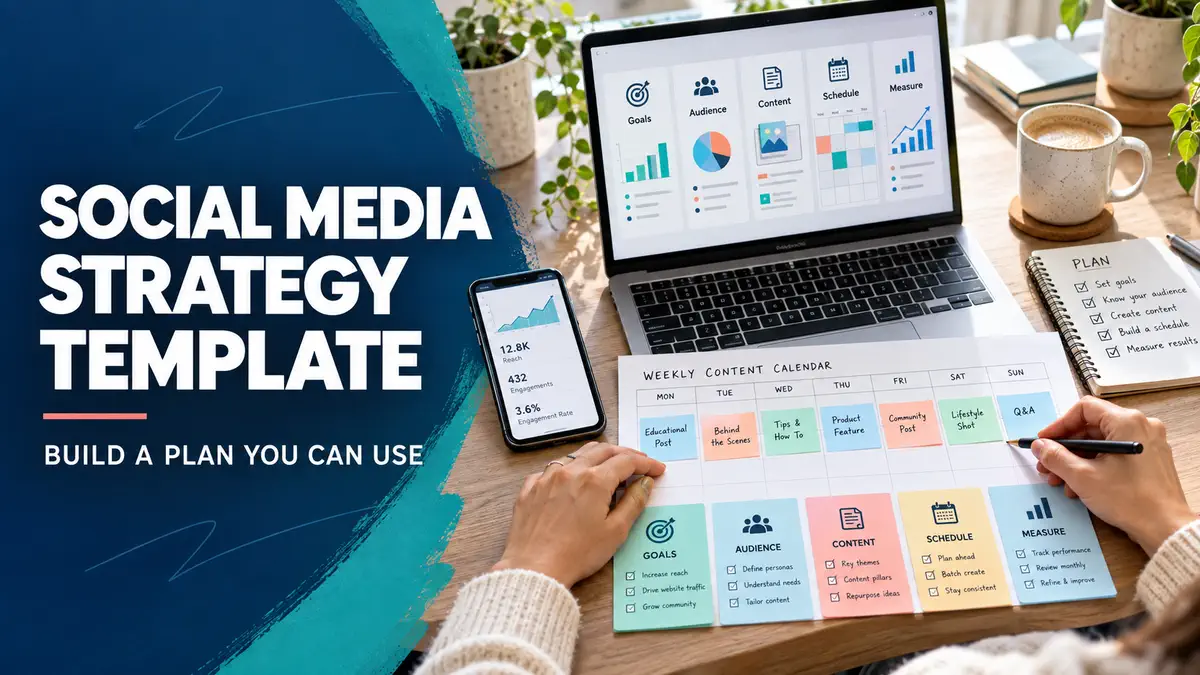

A social media strategy template for your team or client should be just one page long when you’re getting started. It should give you the answers to five questions: who’s the audience, what’s the goal, which channels matter, what will you post and how are you going to measure success? Writing down those answers is better than spending days on a complicated excel sheet you’ll never look at.
Table of Contents
Social Media Strategy Template Guide: Copy This Framework
| Field | What to write | Example: local bakery |
| Audience | Specific buyers and their needs | Nearby residents ordering celebration cakes |
| Goal | One measurable business outcome | More relevant cake enquiries |
| Platforms | Where those buyers already look | Instagram and Facebook |
| Content themes | Questions and examples worth sharing | Sizes, ordering process and finished cakes |
| Publishing routine | A schedule you can sustain | Three posts each week |
| Call to action | The next step for an interested person | Ask for the menu and availability |
| Measure | Evidence linked to the goal | Relevant enquiries and confirmed orders |
| Review date | When you will assess the plan | End of each month |
Copy the fields into a document or spreadsheet. Replace the example with your own business details, then keep the document accessible to everyone creating posts.
What Makes the Best Social Media Strategy Template?
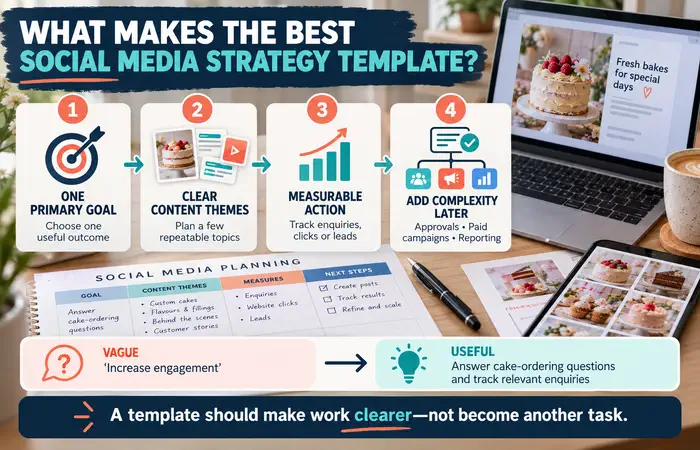
The best social media strategy template is specific enough to guide decisions. “Increase engagement” leaves too much open to interpretation. “Answer common cake-ordering questions and track relevant enquiries” tells the team what to create and what to count.
Limit the first version to one primary goal and a few content themes. Add details such as approval steps or paid campaigns when they become necessary. A template should make work clearer, not become another task to maintain.
Social Media Strategy Template for Beginners: Fill It In
Begin with your customers. Note the questions they ask before buying, their location and the information they need to feel confident. Next, choose platforms you can actively maintain. A business does not need an account everywhere.
Write three content themes: one that explains your offer, one that answers practical questions and one that shows credible examples. Decide who will create posts, who will check prices or claims, and who will reply to messages. Finally, choose a measure tied to the goal.
Try the plan for four weeks. Keep a note of what took too long or confused customers, then revise the template.
Social Media Strategy Template Examples
A tutor could aim for enquiries about a defined subject and age group. Her themes might include lesson structure, frequently asked questions and examples of study exercises. She should avoid publishing student details without appropriate permission.
A small clothing shop could focus on product enquiries. Its posts might cover sizing, fabric details and delivery information. If customers repeatedly ask the same question, the next month’s plan should address it more clearly.
These businesses can use the same template while filling it with different audiences and evidence.
Social Media Strategy Template Cost and Expectations
A document or spreadsheet can hold the template without a paid tool. The real cost is staff time: gathering information, creating posts, checking accuracy and responding. Paid scheduling or design software may help later, but it cannot set a useful goal for you.
Do not expect four weeks of posting to establish a reliable sales trend. Use the first review to improve the process and check whether the chosen measure reflects genuine customer interest.
Social Media Strategy Template Tips
Write down who approves time-sensitive claims and offers. Include a review date so outdated information does not stay in the plan. Keep the audience description grounded in customer conversations rather than assumptions.
A common mistake is filling the template with too many goals. If you cannot tell whether a post is meant to answer a question, bring a visitor to a page or prompt an enquiry, simplify the plan.
FAQs
Can a beginner use one template for every platform?
Use one overall strategy, then adapt post format and wording to each platform.
How often should I update the template?
Review it monthly at first and revise it when your audience, offer or business goal changes.
Do I need a paid template?
No. A clear document you actually use is enough to begin.
Conclusion
A social media plan template is effective when it ties a target audience and target directly to a reasonable publishing schedule. Input your custom business answers and use this social media schedule template for one month and refine it based on actual customer behavior.
