
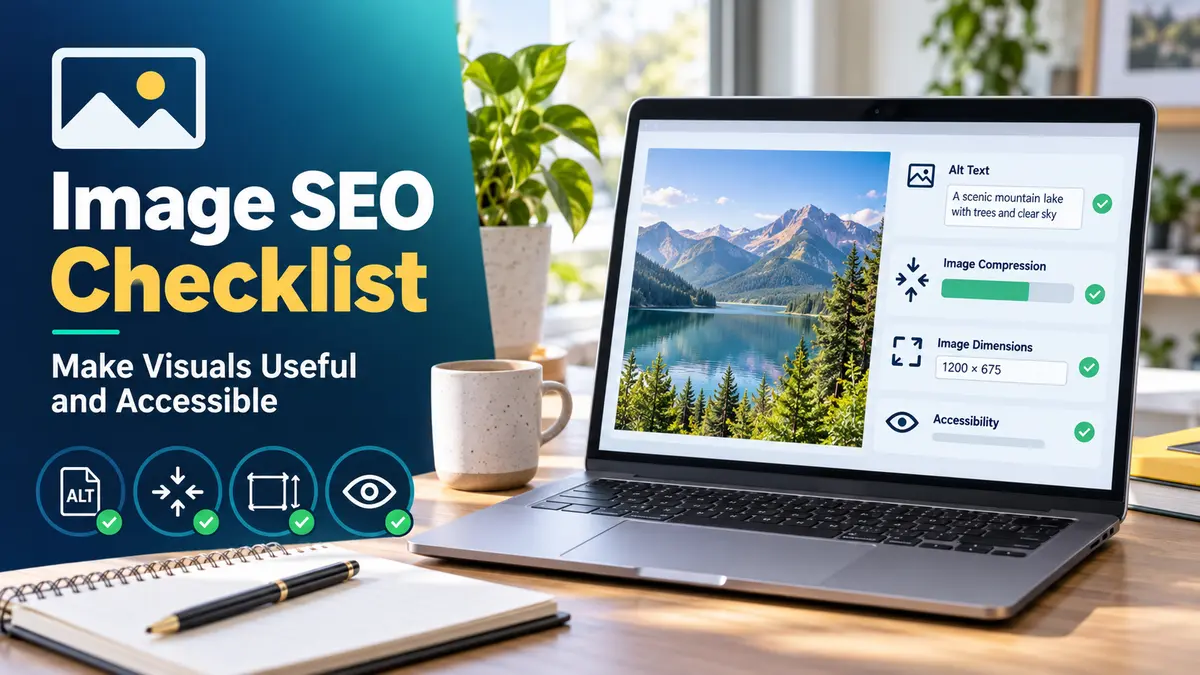

An image SEO checklist begins with the image’s purpose. A chart may clarify a comparison, while a product photo helps someone inspect an item. An unrelated stock image may take space and slow the page without answering anything.
Choose the image first, then prepare it for the page and the people who will use it. Google’s image SEO guidance discusses relevant placement, descriptive context and alt text.
Table of Contents
Image SEO Checklist Guide
| Check | Practical question | Example |
| Relevance | Does the image explain or show something useful? | A real screenshot of a workflow |
| Quality | Is the subject clear at mobile size? | Readable chart labels |
| File name | Does it describe the file? | internal-linking-map.webp |
| Alt text | What information would a reader miss without it? | “Pillar page linking to three related guides” |
| Placement | Is it near the relevant explanation? | Chart beside the data it illustrates |
| Size | Is it appropriately sized and compressed? | Avoid a huge upload for a small display |
| Publishing | Does it load and display correctly? | Check the live page on mobile |
A filename and alt attribute cannot compensate for an irrelevant image. Write them after deciding what the visual contributes.
Best Image SEO Checklist for an Article
Use a relevant original image when you have one, such as a product photo, diagram or screenshot you are entitled to publish. When a visual communicates data, explain the essential point in the surrounding text too.
For informative images, write alt text that describes the information or function. For purely decorative images, an empty alt attribute may be appropriate so assistive technology can skip them. Avoid repeating the page keyword in every alt attribute.
Choose a suitable format and dimensions for the image. WebP can be useful where supported by your workflow, but inspect the result: excessive compression can make text and product details unreadable.
Image SEO Checklist for Beginners: Workflow
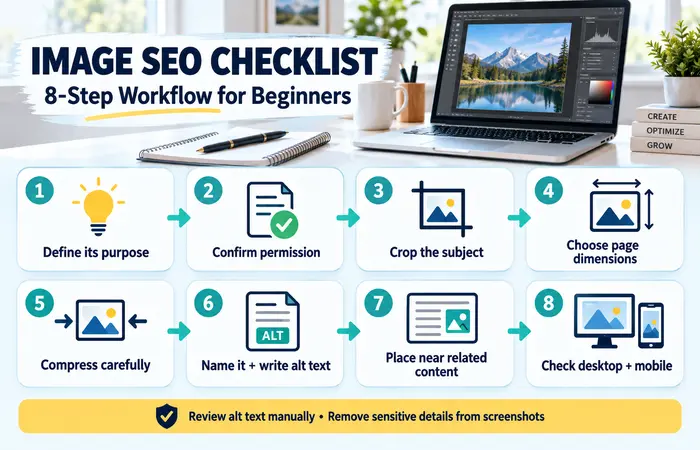
- Decide what the image adds to the article.
- Confirm you have permission to use it.
- Crop it to show the relevant subject.
- Export at dimensions appropriate for the page.
- Compress it while keeping important detail legible.
- Give it a descriptive filename and suitable alt text.
- Add it near the related explanation.
- Check the published desktop and mobile views.
In WordPress, review the alt text for each uploaded image rather than assuming the filename automatically makes a good description. A screenshot may also need sensitive details removed before publication.
Image SEO Checklist Examples
For a screenshot showing the location of a WordPress setting, alt text could identify the setting and where it appears. “SEO image keyword best SEO image keyword” does not describe the screenshot.
For a simple decorative pattern, a written description may add no value. For a comparison chart, a short alt description helps, while the article text or a nearby table should carry the precise figures. This also helps readers on small screens.
Image SEO Checklist Cost and Expectations
Basic cropping, resizing and compression can be done without a paid subscription. The real costs are creating or licensing suitable visuals and checking them across page layouts. Keep source files so you can update a chart when its data changes.
A common mistake is judging image SEO only by file size. An unreadable 40 KB chart fails its purpose. Another is uploading a large photo and assuming the theme will always deliver the best version. Inspect what visitors actually receive.
Image improvements can help clarity and performance; they do not guarantee Google Images traffic or higher article rankings.
FAQs
Should every image alt text contain the target keyword?
No. Describe the image naturally and include a term only when it is genuinely relevant.
Is WebP mandatory for image SEO?
No. Choose an appropriate format and prioritise clarity, compatibility and sensible file size.
Can decorative images have empty alt text?
Yes, when they add no information or function.
Conclusion
An image SEO checklist helps you publish visuals that clarify the page, remain readable and include appropriate descriptions. Check the live result as carefully as the upload fields.
